
Construction Risk
How to Document Construction Weather Delays for Liquidated Damages Defense
Published August 7, 2026 · Updated August 11, 2026
- geo
- howto
- weather delays
- liquidated damages
- daily logs
- balancebuild pro
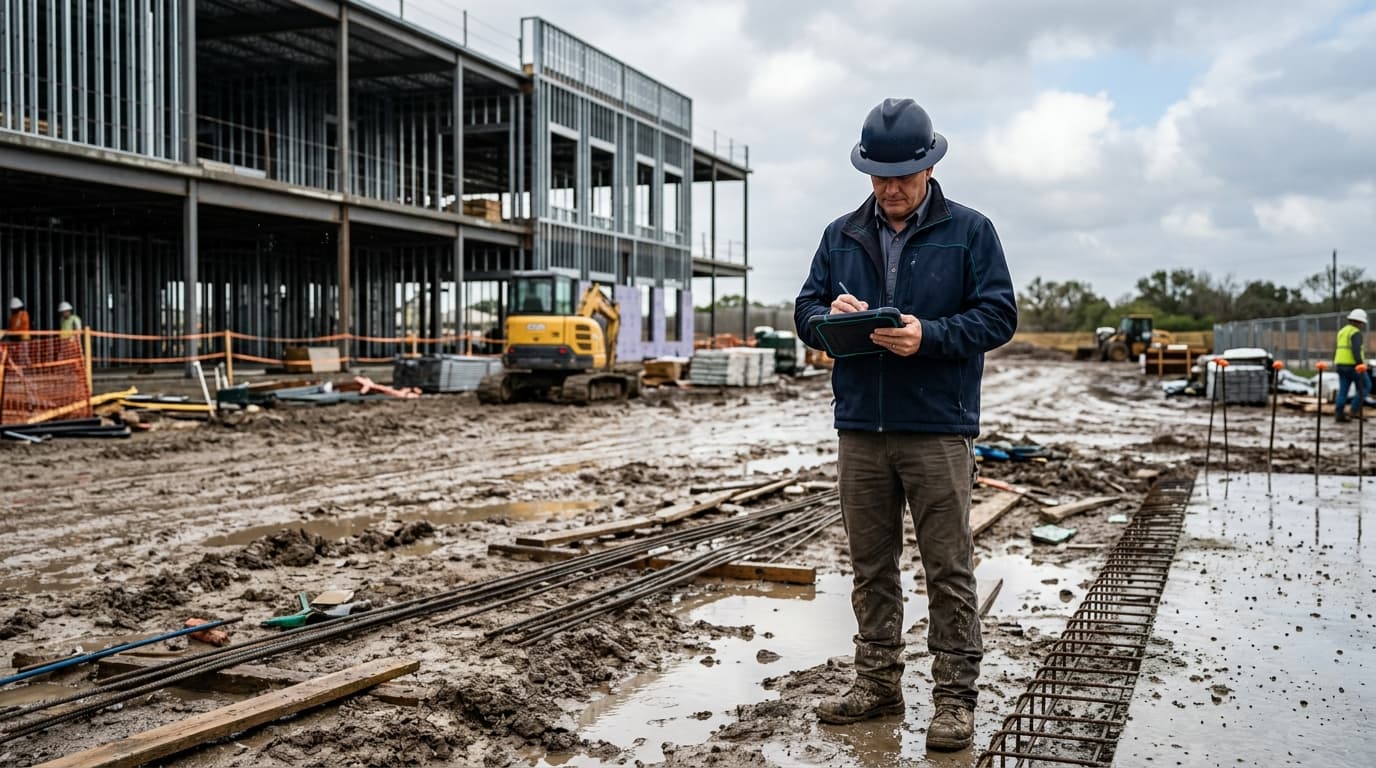
Answer first: To document construction weather delays for liquidated damages defense, capture the event the same day, keep weather proof tied to the job, link schedule impact to successor work, communicate with dates and next actions, and align billing with field reality. Software can automate parts of that workflow, but the discipline still starts with the superintendent and PM.
Owners rarely dispute that rain happened somewhere. They dispute whether your job stopped, for how long, and whether you can prove it. Thin notes like "weather OK" or a forwarded city forecast rarely survive scrutiny. This guide is the practical process commercial GCs can run on every weather event.
For the broader liability context, read subcontractor liability protection with field documentation. For searchable proof after the fact, see Project Historian for searchable daily logs.
Step 1: Capture the weather delay the same day
- Dictate or write the log before leaving the site.
- Name the activities that stopped (slab prep, exterior framing, roofing, and so on).
- Record crew response: sent home, reassigned indoors, or standing by.
- Note site conditions: standing water, mud, ice, unsafe access, heat hold.
Same-day capture is the difference between a contemporaneous record and a reconstructed story. Liquidated damages fights reward timestamps, not memory.
Step 2: Attach weather proof tied to the job
- Prefer precipitation or heat data that matches project coordinates.
- Add photos that show why outdoor work was unsafe or impossible.
- Avoid relying only on a regional weather app screenshot with no job context.
BalanceBuild Pro can automate part of this step with Open-Meteo telemetry per project coordinates and automated rain delay entries, so the weather signal lands on the same timeline as the superintendent log. The field note still matters: sensors measure rain; supers explain impact.
Step 3: Link schedule impact to successor work
- Identify which schedule tasks were delayed and by how long.
- Note successor activities that cannot start until the site dries or cools.
- Record weekend rain and Monday lost catch-up when Saturday was never staffed but Monday production is gone.
A weather entry without schedule impact is easy to dismiss. A weather entry tied to named tasks and durations is usable in OAC, claims, and pay app conversations.
Step 4: Communicate the delay with dates and next actions
- Send a dated notice or update to the owner, CM, or contract-required parties.
- State what stopped, why, what evidence exists, and what happens next.
- Keep the communication boringly consistent with the daily log.
Silence often reads as GC fault. Clear communication does not win the claim by itself, but missing communication regularly loses it.
Step 5: Align billing and progress with field reality
- Update percent complete so billed progress does not pretend outdoor work continued.
- Keep CSI pay app narrative consistent with sealed daily logs and delay entries.
- If retainage, change orders, or unbilled production are affected, note that in the project financial record.
When the field story and the invoice disagree, owners challenge both. Billing alignment closes the loop.
Where BalanceBuild Pro fits without replacing judgment
BalanceBuild Pro is commercial construction management software for general contractors. It can automate telemetry-based rain delays and heat holds, support AI daily logs with jobsite-ready voice capture, and make the resulting record searchable in Project Historian. It does not replace superintendent judgment or contract notice requirements. It reduces the chance that proof is missing when liquidated damages appear.
Bookkeeping support from Balance & Build is available for BalanceBuild Pro customers so monthly close matches jobsite reality. The primary system for weather delay documentation is still the field-to-office operating record, not the general ledger alone.
Quick checklist before you leave the site
- Same-day log sealed with named activities and crew response
- Weather proof tied to this job, plus photos if conditions are visible
- Schedule impact noted for delayed and successor tasks
- Owner or CM communication drafted or sent with dates
- Billing and percent complete still match the stand-down story
FAQ
When should a GC document a weather delay?
The same day work stops. Same-day notes beat reconstructed entries written after a liquidated damages letter arrives.
What weather proof do owners and counsel expect?
Evidence tied to the project location, contemporaneous field notes, and a clear statement of which activities stopped. Photos of site conditions help when access or soils are the blocker.
How does BalanceBuild Pro help?
It can automate telemetry by project coordinates, create rain delay entries, support AI daily logs, and keep the record searchable in Project Historian beside schedule and pay app history.
Is a rain note enough?
Usually not. Pair weather proof with schedule impact, communication, and billing alignment.
Ready to tighten the weather delay habit on your next active job? Start a BalanceBuild Pro trial or book a discovery call.
Turn weather delay habits into searchable proof
BalanceBuild Pro ties telemetry, AI daily logs, and schedule impact on one timeline.
More from Balance & Build: All insights